














All about product
Description
Specification
Reviews
0
Questions0
Recommended
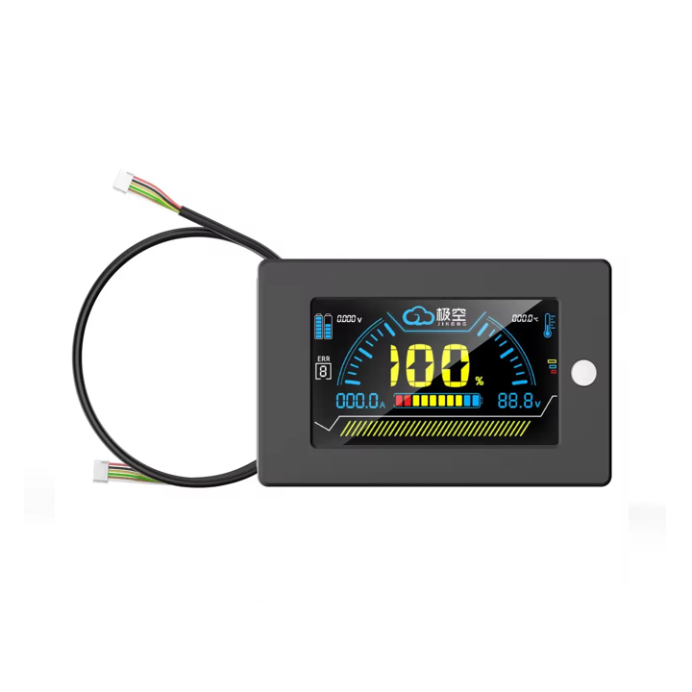
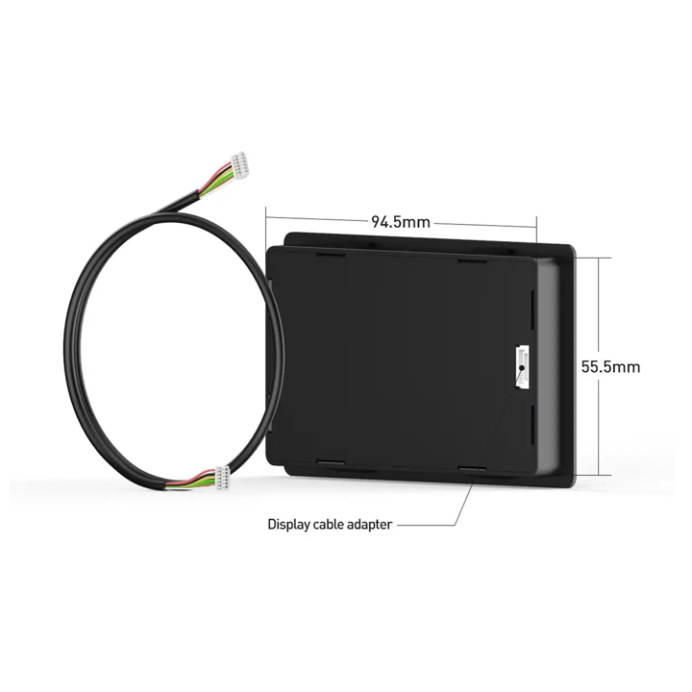


JK BMS 3.2 JiKong LCD Display
Product Code: 5192466

Manufacturer of intelligent battery management systems (BMS)
In Stock
600.00 ₴
Want to know when the price changes?
Buy this product in 1 click:
Main specifications
Display:
LCD
Screen size:
3.2″ inches
Display type:
Ordinary
Control and monitoring:
Li-ion, LiFePO4
Manufacturer:
JiKong
All specifications
We will deliver this product:


Uklon Delivery
We will deliver today
carrier's tariff

ROZETKA Delivery
Delivery from 2 days
from 100 ₴

Payment




 payment on account
 in cash
Description
JiKong JK BMS LCD 3.2 is a liquid crystal display for Jikong smart BMS (color screen, 2S-24S)
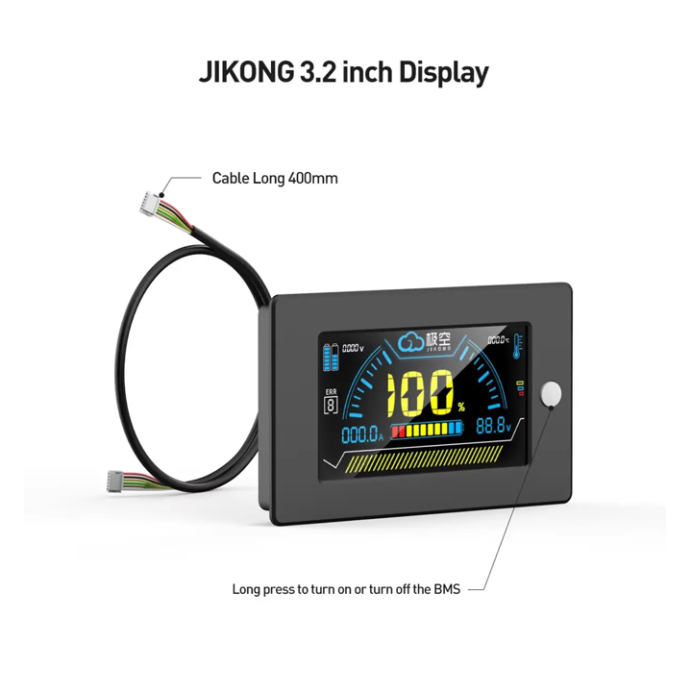
Jikong 3.2-inch color LCD display is designed to work with JIKONG BMS models. This accessory is an integral part of a complete battery management system (BMS).
It provides comprehensive monitoring and control of the battery status, contributing to its safe and stable operation. With a diagonal of 3.2 inches, the display displays detailed information about the battery status and provides a convenient interface for management and operation.
LCD screen operation instructions
- Turning on the BMS - when the BMS is off, press the touch button on the right side of the LCD screen once.
- Automatic backlight off - if the BMS does not record the output current for 10 seconds, the display backlight will turn off to save energy.
- Manually turn on the backlight - if the BMS is on but nothing is displayed on the display, press the left button once - the backlight will appear.
- Manually turn off the backlight - when the BMS is on and the monitor shows an image, pressing the left button once will turn off the backlight.
- BMS off - when the BMS is on, press and hold the touch button on the left side for 2 seconds, then the BMS will turn off.
What is displayed on the screen
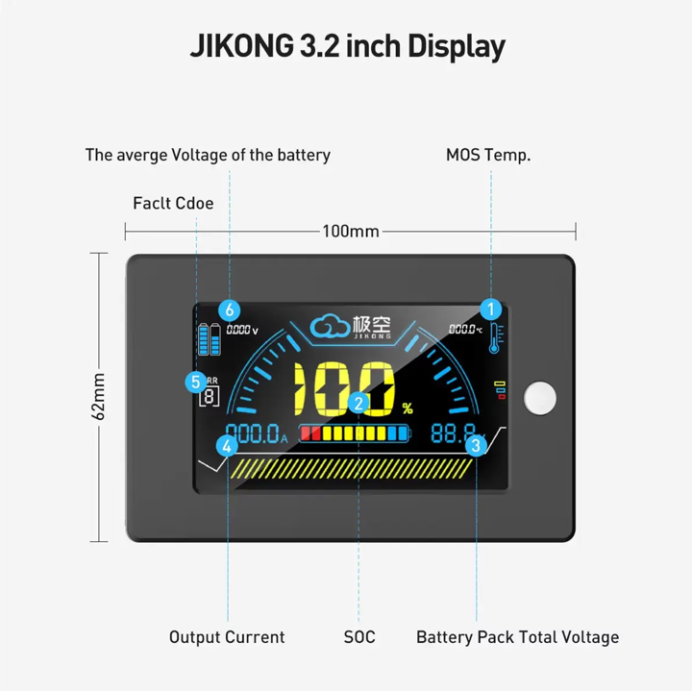
- (A) Fault codes - if there are multiple errors, they will scroll on the screen.
- (B) Constant indicator - when this icon is lit, it indicates an anomaly or a warning.
- (C) Charge level indicator - for example, the current value is 88%.
- (D) Charge and discharge current display: on the left, the symbol "_" (minus) means a negative current value - this is the discharge current; if the “_” sign is missing and “>” is displayed, the positive value is the charging current.
- (E) Total battery voltage.
Specifications
LCD
Display
LCD
Screen size
3.2″ inches
Display type
Ordinary
Control and monitoring
Li-ion, LiFePO4
Manufacturer
JiKong
Model
LCD-3.2
Color
Black
BMS support
JK-B1A8S10P, JK-B2A8S20P, JK-PB2A16S15P, JK-PB2A16S20P, JK-PB2A16S30P
Country
China
Dimensions
94,5 × 55,5 × 10 mm
There are no reviews for this product, be the first to leave your review.
No questions about this product, be the first and ask your question.
Related Products
100 А
Bluetooth
In stock
Model: 4594587
BMS board - JK-B1A8S10P 100A, 1A balancer
2 100.00 ₴